
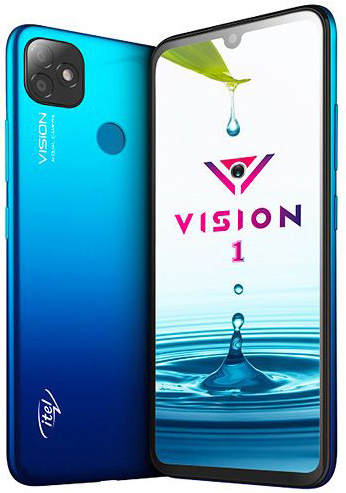
iTel Vision 1 L6005 Frp Bypass Solution iTel Vision 1 L6005 One Click FRP Reset File
iTel Vision 1 L6005 Frp Bypass Solution
iTel Vision 1 L6005 One Click FRP Reset File
WHAT IS FRP LOCK OR FACTORY RESET PROTECTION?
The FRP Lock stands for Factory Reset Protection Lock. Now, FRP Lock is a security Measure Which is Taken by Google for all Android Devices Running on The Newer Version Android Devices. This Feature was introduced From Android 5.1 Lollipop Up to Last Update Versions of Android OS. This Protection Was activated When the User of Android Devices Sign in with a Google Account on The Device. This Protection Verify the Owner of the Android Device.
WHY NEED iTel Vision 1 L6005 FRP FILE?
If You are Facing Google Account Lock Problem After Making Wipe Data Factory Reset or Hard Reset On Your iTel Vision 1 L6005 Android Device. Then You Need A Bypass Solution. You Can Bypass or Unlock Your FRP Lock By Using A Small Modified FRP File. Which Can Solve Your Google Lock Problem.
HOW TO BYPASS FRP LOCK ON iTel Vision 1 L6005?
FRP or Google Account Lock Comes After Reset Your iTel Vision 1 L6005 Android Device. Then Don’t Worry You Need To Bypass This Lock. You Can Unlock Your Account by This Small Frp Reset File and Tool Easily. Just Download and Enjoy.
No Box Needed For Remove FRP Lock On iTel Vision 1 L6005
iTel Vision 1 L6005 Google Or Frp Lock Reset File Only 10MB Pac File


0 comments :
Post a Comment